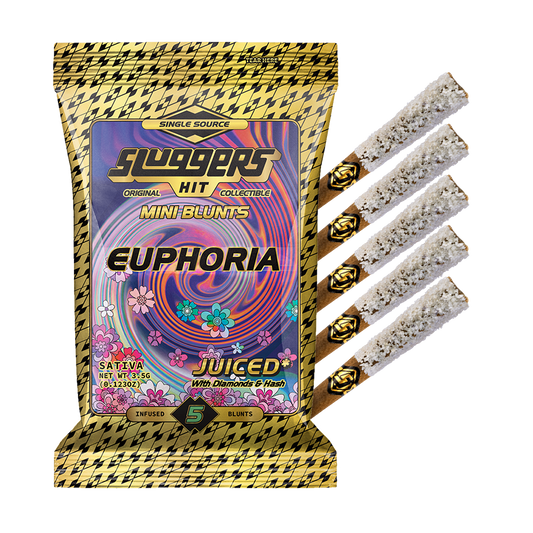

How to Verify Your Sluggers Product Using Its QR Code
By Sluggers Dugout • 3 MIN READ • 10/13/2026
To begin Sluggers QR code verification, scan your product’s QR code with your phone camera and open the link, as directed in the official Sluggers GPAS instructions. The verification landing page requests an email address to authenticate the item and states that entering it means agreeing to receive Sluggers Hit marketing communications. Read that disclosure before proceeding. If you cannot complete the process or still have questions, use the official Sluggers contact form.
For flower and pre-roll buyers 21+, that is the starting lineup: scan, open, review the email requirement, and ask support when something remains unclear. Here is how to navigate those steps without guessing what a screen or code means.
Try a Trial Pack


Sluggers QR Code Verification: Scan and Open
The GPAS instructions describe the starting steps: use your phone camera to scan the product QR code, then open the link to the official verification page. Start with the code on the item you want to check rather than treating a general webpage visit as verification of that item.
- Have the product and packaging with you. Keep them available while you work through the process so you can refer to the item if you need help.
- Scan the product QR code with your phone camera. This follows the method described in the official GPAS directions.
- Open the link presented by the scan. Review the page and its requirements before entering information.
You can also view the official verification landing page directly to review the email request. Use that link as a reference, not as a substitute for following the product-specific scan instructions. If you are unsure whether you have reached the right place, pause and ask support rather than trying to interpret an unfamiliar destination yourself.
Know What the Email Requirement Means
The Sluggers verification landing page requests an email address to authenticate the item. It also states that entering an email address constitutes agreement to receive Sluggers Hit marketing communications. That disclosure belongs in your decision before you submit, not after.
Free Joints



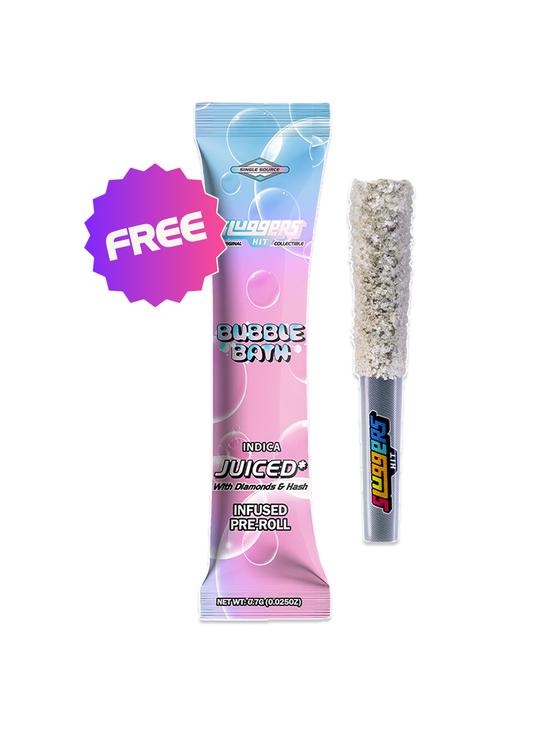

Do not treat the email entry as an authentication-only step. Review the marketing language on the page and decide whether you want to proceed on those terms. This guide does not establish an alternative, marketing-free verification route.
If you do not want to enter an email address under that disclosure, use the official contact form to ask what assistance is available. Ask the question directly: “How can I get help authenticating my item if I do not want to agree to marketing communications?” That is a request for clarification, not a promise that another route exists.
When Verification Leaves You With Questions
If the code will not scan, the link will not open, or you do not understand what happens next, bring the question to the Sluggers support message form. You do not need to diagnose the issue before asking for help.
To make your message useful, consider including:
- The product name exactly as it appears on your packaging.
- Where and when you purchased it.
- The step you reached: scanning, opening the link, or reviewing the email request.
- A plain-language description of what you saw and the question you want answered.
Keep the packaging and purchase details available for follow-up. Avoid sending passwords, payment-card details, or unrelated personal information. For an unclear screen, describe it accurately rather than labeling it a pass, failure, or counterfeit warning yourself.
Keep Authentication Questions in Their Lane
Use the GPAS instructions to navigate the documented authentication process. Do not treat opening a link or submitting an email as a guarantee of product safety or legality, and do not infer authenticity from an unexplained screen.
Keep certificate of analysis (COA) questions separate from navigation questions. For help locating the relevant COA or Sluggers’ existing COA guide, ask through the official contact form and identify your item. There is no need to guess at the final call: follow the documented steps, read the consent language, and bring unresolved questions to the Sluggers team.